Element
We are recommending to serve Element over Cloudflare Pages. Cloudflare Pages is a free worldwide CDN.
However, we are also providing instructions for installing Element with a Docker container on your server.
Security Note
For security reasons, it is recommended that element is not used by the same domain as the Matrix homeserver. For more information see here
Cloudflare Pages
Fork github.com/vector-im/element-web and change the config.json according
to your matrix server details.
If you want to add a _redirects file to configure http redirects, you have to add the redirects file in the copy file
section in the scripts/copy-res.js file.
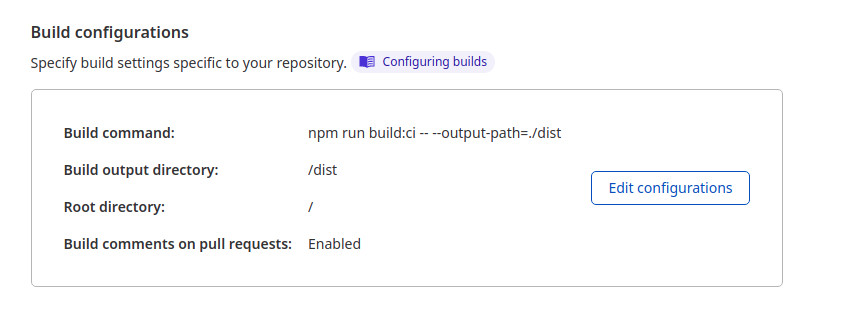
Now you can create a new page in the Cloudflare Pages webinterface with the following options:
| Name | Value |
|---|---|
| Build Command | yarn build |
| Build output directory | webapp |
The following part is no longer maintained.
Docker Container
The Element web client can be used by Matrix.
  element:
    image: vectorim/element-web
    restart: always
    volumes:
      - "/srv/comms/element/data/config.json:/app/config.json"
    labels:
      - "traefik.enable=true"
      - "traefik.http.services.srv_element.loadbalancer.server.port=80"
      - "traefik.http.routers.r_element.rule=Host(`element.domain.de`)"
      - "traefik.http.routers.r_element.entrypoints=websecure"
      - "traefik.http.routers.r_element.tls=true"
      - "traefik.http.routers.r_element.tls.certresolver=myresolver"
    networks:
      - proxy
Configuration
First you need to create a config.json:
mkdir -p /srv/comms/element/data/
touch /srv/comms/element/data/config.json
Element supports a variety of settings to configure default servers, behaviour, themes, etc.
Checkout
the configuration docs
for more details.