Loki
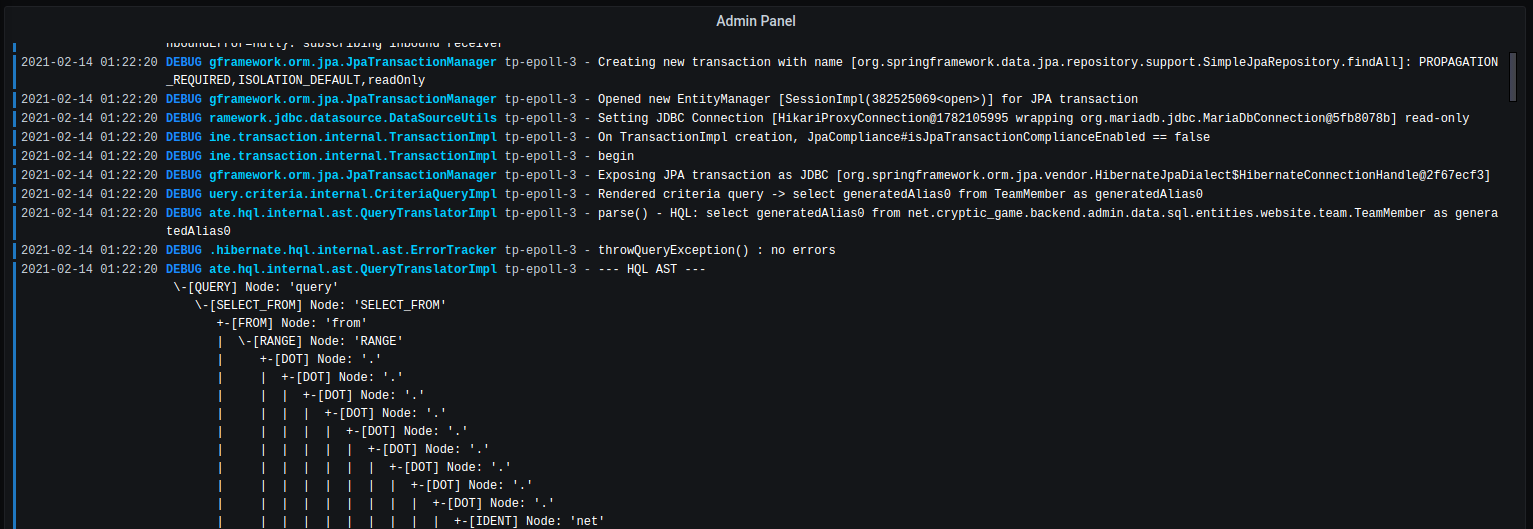
You can use loki with a docker plugin to send the logs of your docker container to grafana:
Simply add the loki service definition to the docker-compose.yml, in which the monitoring services are defined.
  loki:
    image: grafana/loki
    restart: always
    networks:
      monitoring:
        ipv4_address: "192.168.2.253"
Next may install the loki docker plugin:
docker plugin install grafana/loki-docker-driver:latest --alias loki --grant-all-permissions
Finally you can configure the services (from a docker-compose.yml) to use loki instead of stdout for logging.
-
Add the following section to your
docker-compose.ymlx-logging: &logging driver: loki options: loki-url: "http://192.168.2.253:3100/loki/api/v1/push" -
Apply the logging config on your service using yaml inheritance.
    logging:
      << : *logging
Last update:
2022-01-09